GTA 6 Photo Studio (Photo Mode) & Camera Guide
GTA 6’s built-in Photo Mode—called Photo Studio—can be launched almost anytime (including during cutscenes) via the Pause Menu or by pressing Square (PS5) / X (Xbox Series X|S). Unlike smartphone photos that stay in Jason and Lucia’s phone gallery, Photo Studio captures save directly to your console’s native Media Gallery.
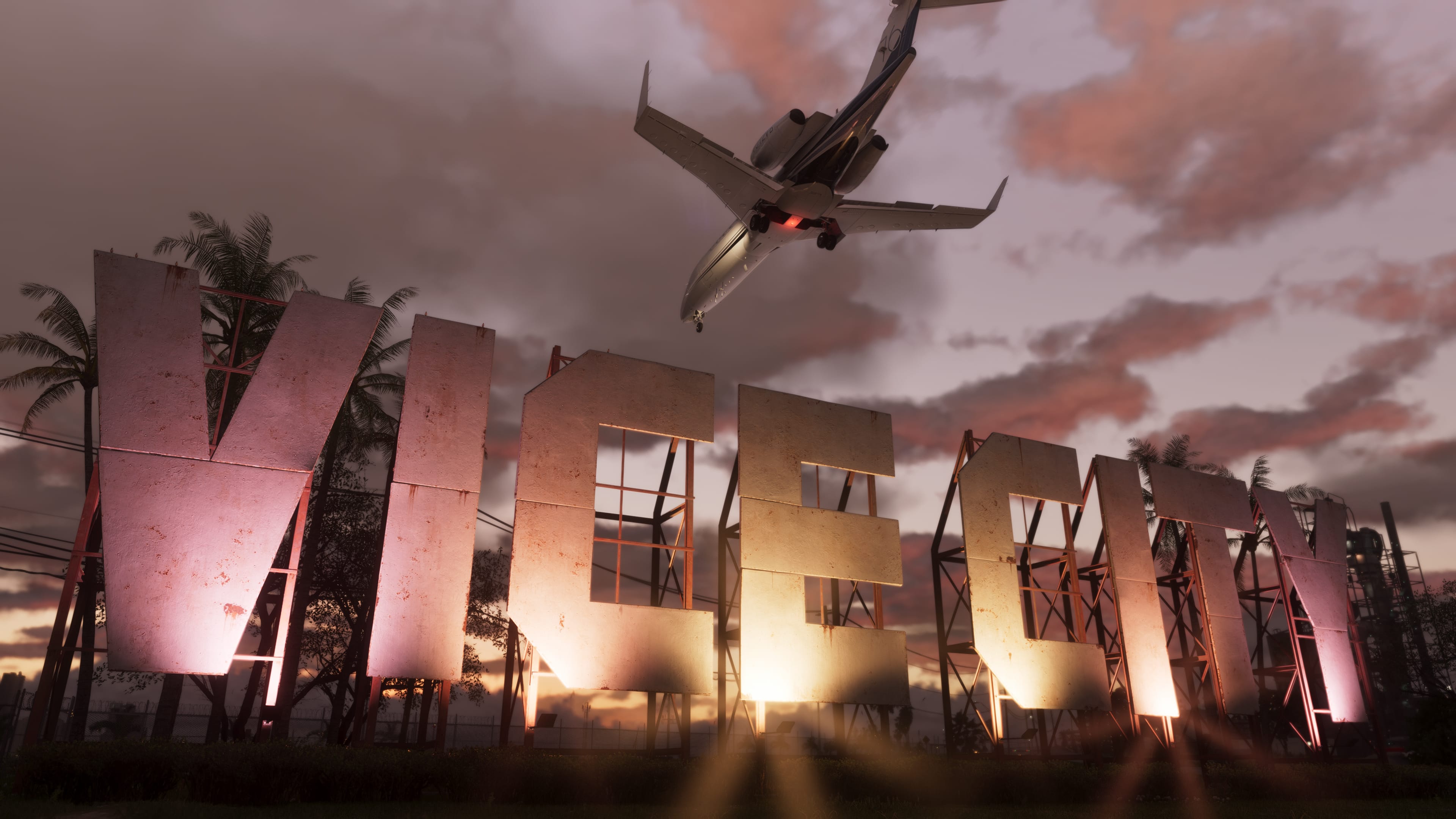
Photo Studio Controls & Features — Verified Overview
| Quick Shortcut | Pause Menu → Photo Studio, or shortcut Square (PS5) / X (Xbox) |
|---|---|
| Cutscene Support | Yes — can be opened during cutscenes (some camera settings may be locked) |
| Hide UI Button | Press Triangle (PS5) / Y (Xbox) to hide the overlay before capturing |
| Camera & Lighting Tools | Free floating drone camera, tilt/zoom, lighting placement presets, depth-of-field toggles |
| Confirmed Filters | Cartoon Universe, Found Footage, Pixel Art, plus standard color grades |
| Where Photos Save | Console Native Media Gallery (captures folder)—NOT the in-game smartphone gallery |
| Verification Basis | Independently corroborated across GameSpot, Insider Gaming, Mobalytics, and Sportskeeda. |
How to Take Clean Shots in Photo Studio
- Trigger Photo Studio Mid-Action: Press Pause and select Photo Studio (or use the Square / X shortcut) to freeze Leonida mid-drift, mid-jump, or during story cutscenes.
- Switch to Free Drone Camera: Detach the camera to orbit Jason, Lucia, or your Standout Vehicle, then fine-tune focal length, tilt, and depth-of-field blur.
- Place Custom Lighting & Filters: Drop lighting presets to illuminate Vice City neon reflections at night, or experiment with stylized filters like Cartoon Universe, Found Footage, and Pixel Art.
- Hide UI & Capture to Console: Tap Triangle / Y to strip the interface, then snap the shot—find your full-resolution files inside your PS5 Media Gallery or Xbox Captures.
Photo Studio vs. In-Game Smartphone Camera
Mission Photo Objectives: When a story mission (like Dirty Work or Photo/Shoot) or a poster scan asks you to take a picture, always use Jason or Lucia’s smartphone camera—Photo Studio is for player screenshots and does not trigger mission photo checks.
Frequently Asked Questions
Where do GTA 6 Photo Studio pictures save?
They save directly to your PS5 Media Gallery or Xbox Captures folder rather than an in-game album.
Can you use Photo Mode during GTA 6 cutscenes?
Yes, Photo Studio works during cutscenes, though certain free-camera or lighting options may be restricted.
How do you hide the HUD in Photo Studio?
Press Triangle on PlayStation 5 or Y on Xbox Series X|S before capturing.