PS5 Pro vs Base PS5 vs Xbox Series X|S: Best GTA 6 Display & Performance Settings
Grand Theft Auto VI launched exclusively on PS5 (including PS5 Pro) and Xbox Series X|S (no PC version announced). Getting the cleanest frame pacing and sharpest night-time Vice City neon depends on matching your in-game camera, HDR, and console-level 120Hz VRR output to your exact hardware.
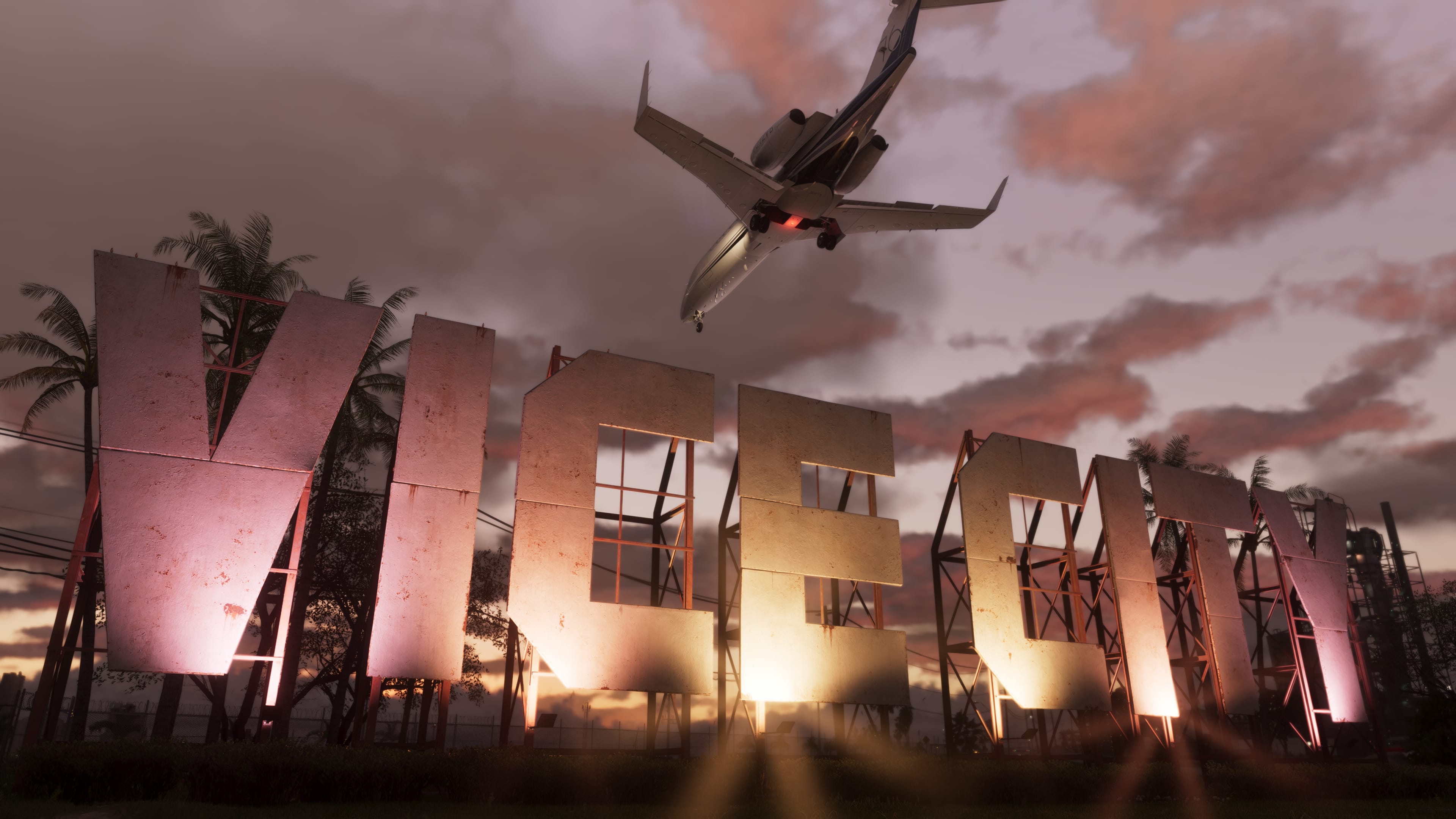
Console Platform Settings Overview (Verified & Reported)
| Official Launch Platforms | PS5, PS5 Pro, Xbox Series X, and Xbox Series S (ROCKSTAR CONFIRMED; no PC version announced) |
|---|---|
| Base PS5 & Xbox Series X | Built around a 30 FPS console target; enable HDMI 2.1 VRR on supported displays to smooth micro-stutter |
| Xbox Series X 120Hz VRR Trick | Setting Xbox output to 120Hz with VRR enabled unlocks a smoother reported 40–50 FPS window on compatible TVs (see dedicated VRR guide) |
| PS5 Pro Advantage | Higher internal resolution stability and cleaner ray-traced reflections in dense Vice City rain/neon scenes (community reported) |
| Xbox Series S Optimization | Keep motion blur low, disable unnecessary console capture overlays, and maintain free SSD headroom for texture streaming |
| Build Version Note | Site baseline tracks launch build 01.002.001 (reports of staggered 01.002.002 / 1.0.2.2 rollouts lack official Rockstar patch notes) |
Step-by-Step Optimal Console Settings Checklist
- Configure Console HDMI 2.1 & VRR First: On PS5 / PS5 Pro, enable VRR and Apply to Unsupported Games in Screen and Video settings. On Xbox Series X, test the 120Hz + VRR display handshake detailed in our Xbox Series X 120Hz VRR Guide.
- Calibrate HDR Before Changing Brightness: Run your console’s system-level HDR calibration first, then adjust GTA 6’s in-game paper white and peak luminance so Vice City neon signs stay crisp without crushing dark alley shadows.
- Dial In Driving & Combat Camera: Set vehicle camera height to High for better sightlines over traffic during high-speed chases, widen first-person/on-foot field of view if available, and trim camera shake during shootouts.
- Tune Aim Assist & Deadzones: Lower right-stick deadzone slightly for snappier manual tracking when using Focus Mode (L3 + R3), and test your preferred aim-assist tier before tackling multi-wave heists.
- Protect Frame Stability & Saves: Fully quit the game to the console dashboard periodically rather than relying indefinitely on Rest Mode/Quick Resume, and keep generous free SSD space (community-reported stability best practice).
Choices, Missables & Verification Notes
Strict Benchmark Honesty: We do not publish fabricated FPS frame-time graphs or unverified resolution pixel counts. All platform notes above distinguish Rockstar-confirmed console availability from community-reported launch behavior and our dedicated Settings & Hardware Hub.
Related Tech & Control Guides: Pair these display settings with our Xbox Series X 120Hz VRR Guide, PS5 & Xbox Controls Guide, and Troubleshooting Center.
Frequently Asked Questions
Does GTA 6 run at 60 FPS on PS5 or Xbox Series X?
GTA 6 launched around a 30 FPS console baseline, though enabling 120Hz + VRR on supported HDMI 2.1 displays (especially Xbox Series X’s reported 40–50 FPS VRR window) noticeably smooths motion.
Is GTA 6 available on PC yet?
No. Rockstar Games lists PlayStation 5 and Xbox Series X|S as the official platforms, with no PC release date announced.
What is the single best camera setting for chases?
Raising vehicle camera height to High gives you a much cleaner view of oncoming traffic, roadblocks, and alley turn-ins during police pursuits.